Setting up a Tripod
- In order to set up the tripod the first thing you need to do is to unclip the clippers on the legs and extend them out.
- Secondly, get the shoe and screw it on the bottom of the camera
- Third, clip the camera on the tripod and make sure its held safely in place.
SD Cards
- In order to record high quality videos with your camera it is recommended to get a 16GB or 64GB class 1
 0 sd card.
 - A calss 10 sd card is required because it has a minimum write speed of 10MB/s which is required for recording 1920x1080p videos.

Set up the camera
- The camera battery goes in a slot on the bottom right side of the camera.
- The shoe of the tripod gets screwed on the bottom of the camera.
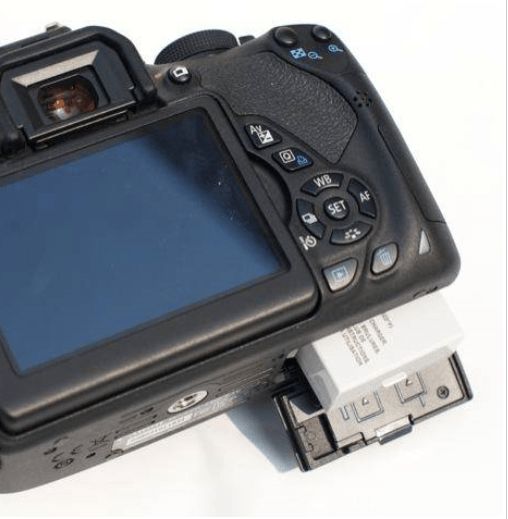
- To attach the camera to the tripod, just place the camera above the slot and push it in until it clips in place.
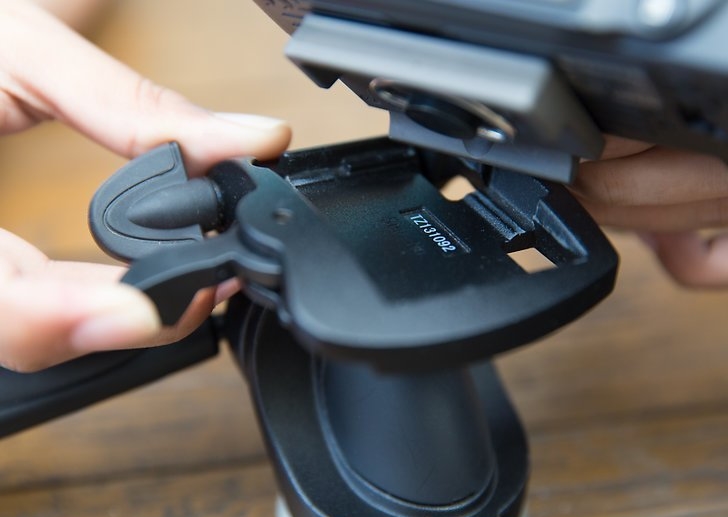
- For a quick check to see if the camear is safely held in place, grab the camera while attached to the tripod and simply lift it up.
- To insert the SD card open the flap on the right side of the camera and insert the SD card with its face facing the user.
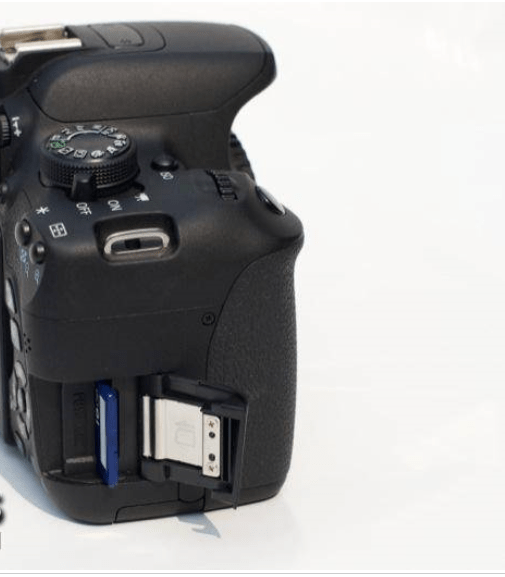
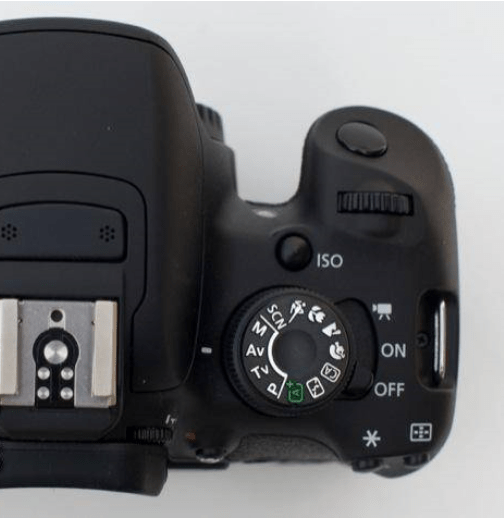
- To turn on the camera slide the switch on the ON position, and for recording d video, slide it to the Camera Icon.
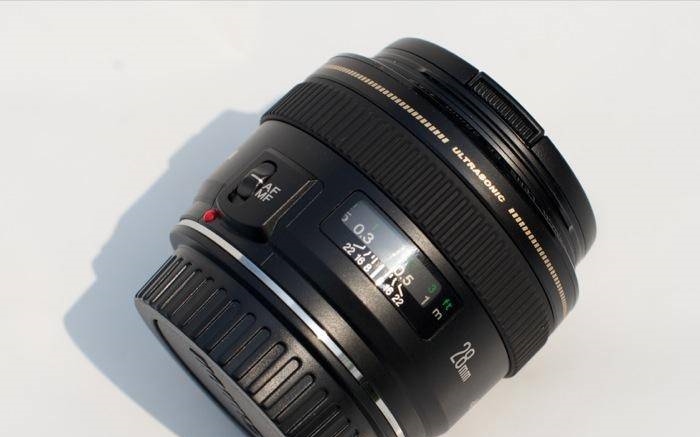
- To change to Auto Focus and Manual Focus you simply flip the switch on the lens.
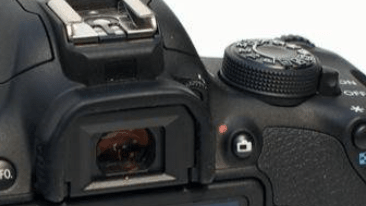
- To set the camera to auto exposure or manual exposure just twist the dial on the top, the green A is auto exposure and the M is manual exposure.
- To start recording, press the button with the red dot next to it.
Camera Dolly
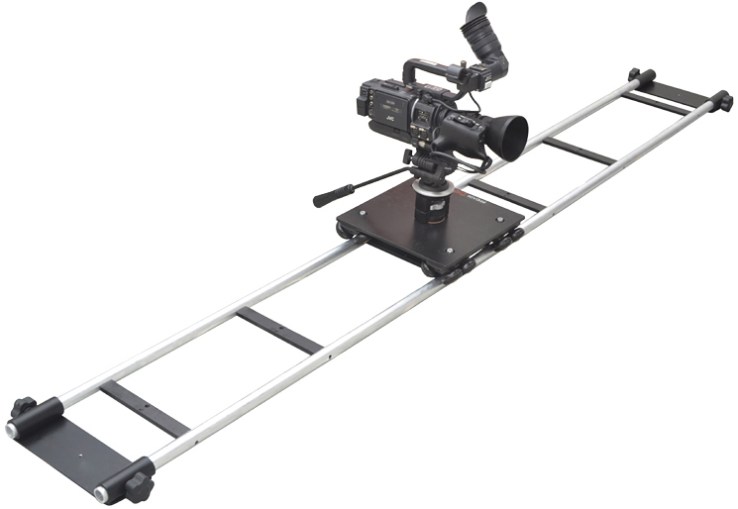
What is the Dolly used for ?
The dolly is used in filmmaking for the purpose of creating smooth horizontal camera movements.
Lighting in filmmaking has three main purposes. First is clarity of image. It is important for viewers to be able to recognise all the important elements in the frame. Lighting’s secons purpose is a quest for greater realism. Films began to introduce visual schemes that suggested that the lighting came from logical sources within the world depicted.
The key is the same for achieving soft light in any other shooting scenario — use big, soft light sources. If you point a hard light source (such as tungsten light with no diffusion) at your green screen, you’re going to run into trouble. The light will have a hot spot and there will be a gradient surrounding it, ultimately giving you an uneven light to work with.
The main difference between recording sound with an external device is that you get better sound quality.
In order to add sound from an external device, you would have to either plug the external device into the computer that you’re using for the editing process and get a copy of the sound file that you need, or get an MicroSD USB adapter and plug that into the computer.

 Edward's Game Development Blog