Today we recorded a video of me walking in a shot, jumping and then walking out. We are going to use this footage for creating a flying person video using Adobe Premiere Pro.
I imported my raw fottage in Premiere Pro and I used the razer tool to split my video in 3 parts and I used the ripple delete tool to cut the part in the middle where I hit the ground and walk out of frame.
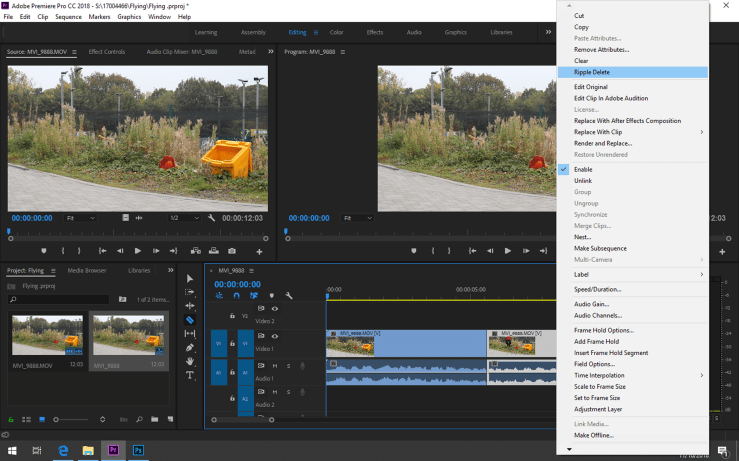
After that I exported the picture using Export Picture (Ctrl+Shift+E) to be able to take the picture in photoshop.
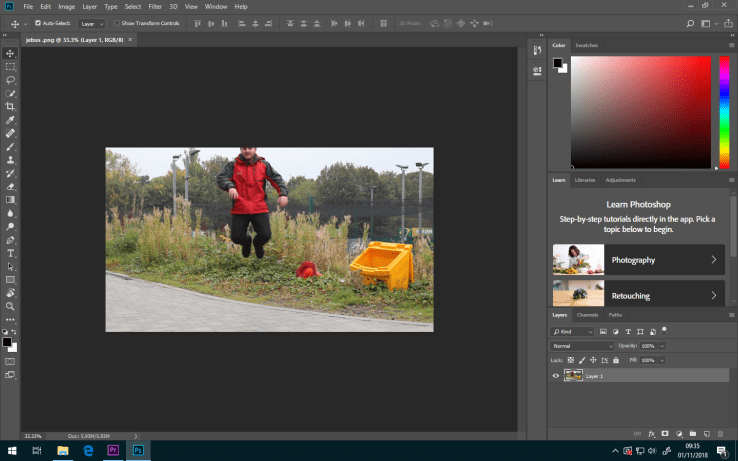
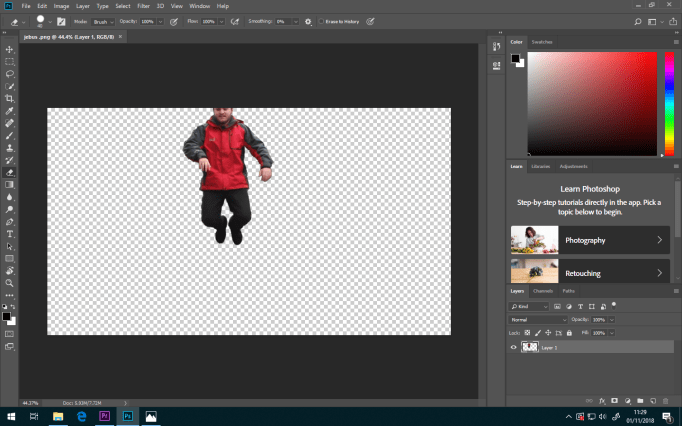
I removed all of the background in photoshop using the erase tool.
After that I imported the image and clicked on effect controls then I added 2 keyframes, one at the begining and one in the middle.
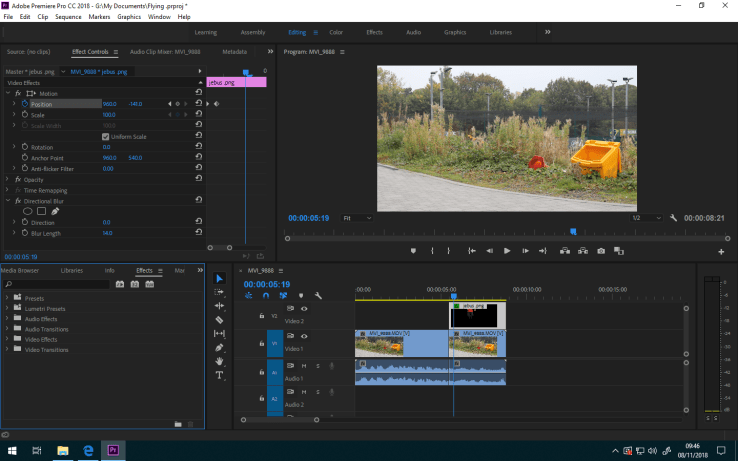
This is my finished video.

 Edward's Game Development Blog