Today I got introduced to the basics of using a Green Screen. First I needed some raw fottage with a green screen in the background.
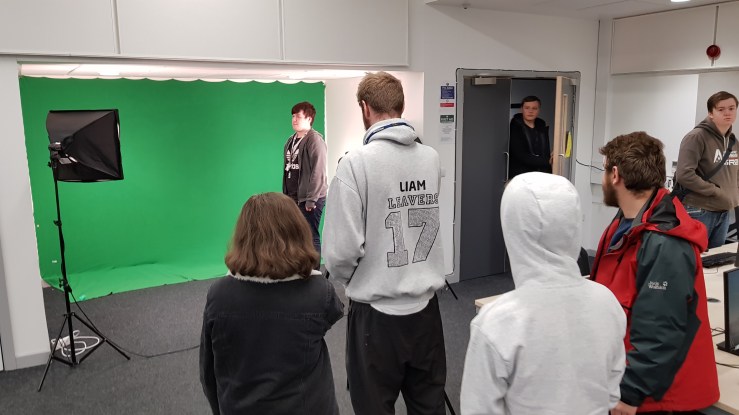
This is a picture of us recording some of the footage.
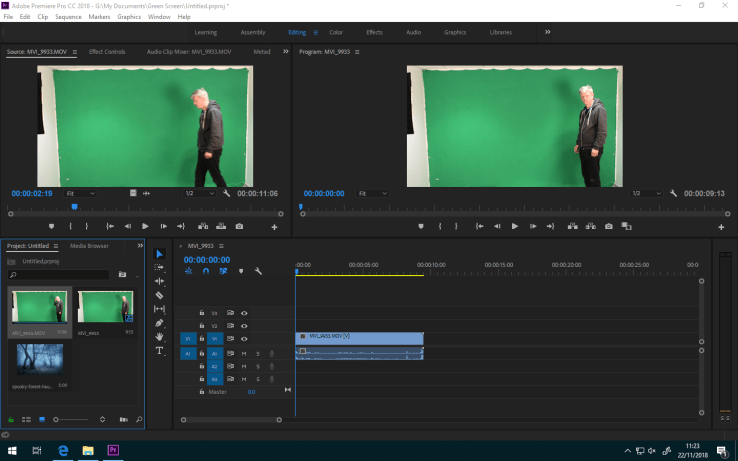
Here is the raw fottage.
After that I got my fottage and imported it into Premiere Pro.
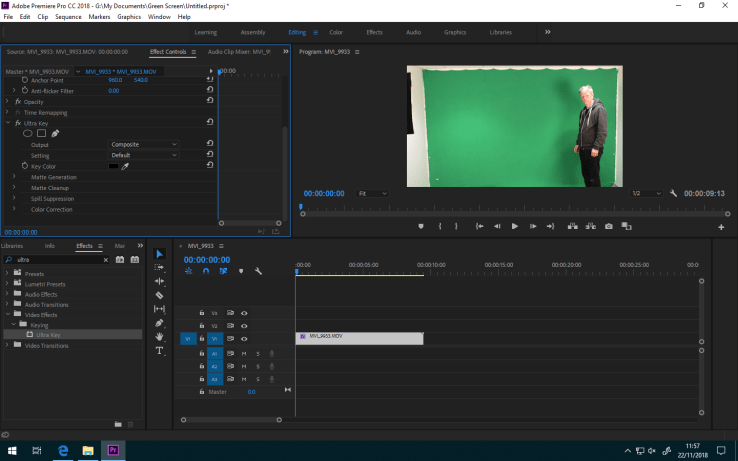
I cut the audio of the video out and i added an effect called Ultra Key to my footage. I used the Key color to make the greenscreen transparent.
After this i had to import the image into Premiere Pro.
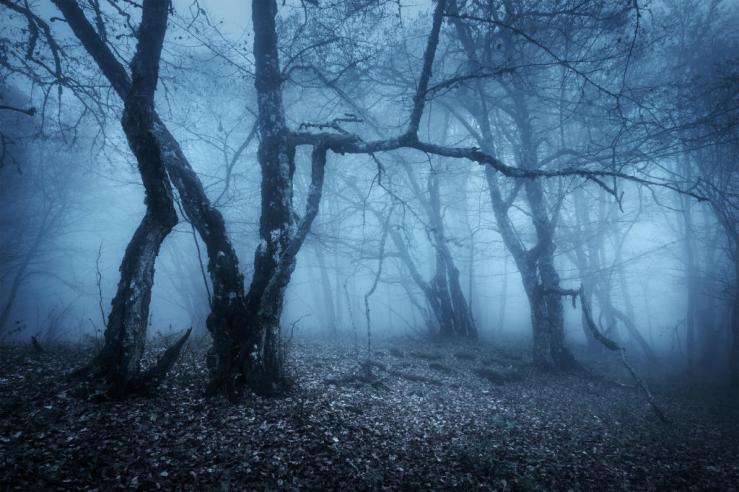
This is the image that i used as my background
After that I imported my image and added it as my background to my video and streched it so it would fit the green screen.
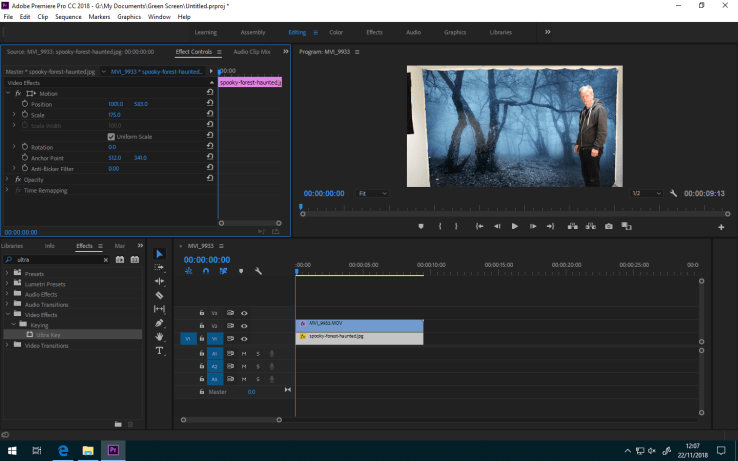
After that i added a Garbage Mat to get rid of the unnecessary elements around the greenscreen.
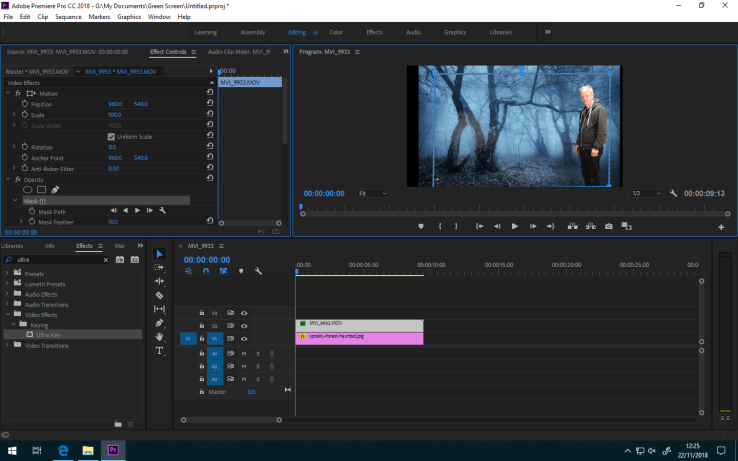
Here is the exported video

 Edward's Game Development Blog