The first thing i did was drawing a rectangle 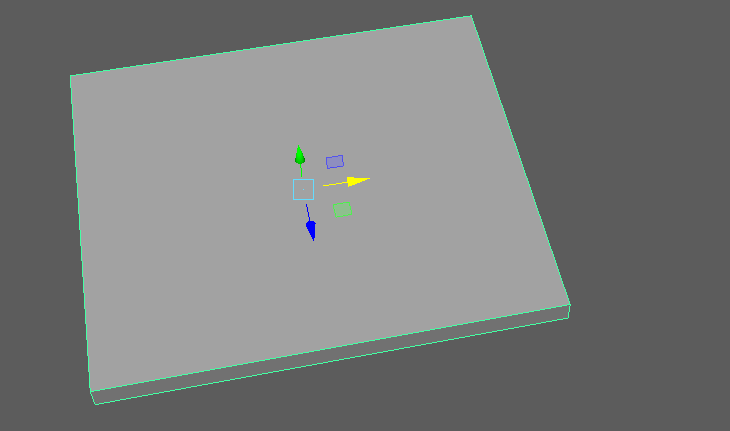

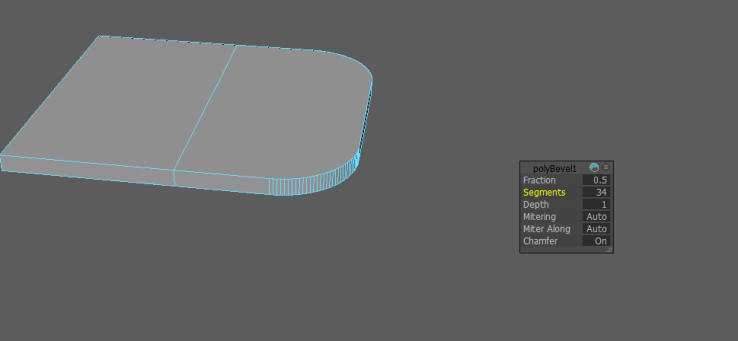
I deleted the face in the middle and beveled the edges on the inside


Then i duplicated the object to make the bar flap on the right side of the bar.

For the drawer space and the drawers i simply made a rectangle, added some adge loops and extruded the faces inward.
For the top of the bar i took a normal cube, deleted the face on top, grabbed the edges that go around the top of the cube and size extrude it on the X and Z axis.


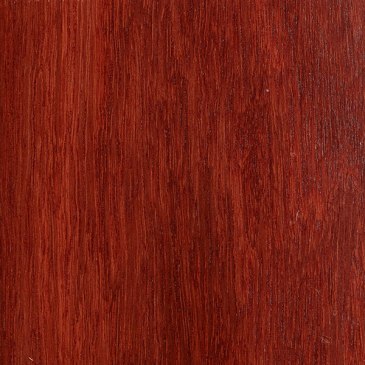
Textures that i used for the bar.
The drawer handles are coloured with the basic Maya colours.
After that all i had to do is texture the completed bar.

Modeling Critique
How do you rate the colour/textures?
The texture i used was a simple wood texture that i found online and i manage to make it somewhat seamless using Photoshop.
Was it easy/hard to model?
It was rather easy to make once I figured out the bar design that i wanted.
What is your favourite part of creating the model?
Making the top part of the bar with the beveled edges, mainly because i learned a new technique that expands my knowledge of Maya and 3 D modeling in general.
What kind of game would it be suitable for ?
This model could go into a indie game on steam, or a 2.5 D game where the detail is overlooked by unique art style. It might need new texturing though. I will use this model in my 2.5 D game.
How do you rate the model overall?
A Gentleman’s 8 out of 10.

 Edward's Game Development Blog